
Dot Hop Rearchitecting
Devlog: Dot Hop Rearchitecting
Section titled “Devlog: Dot Hop Rearchitecting”Heya, time for another DevLog! Here’s what I’ve been up to!
Last week I generated a mess of puzzle stats and spoilers - this week, I’m in more of a hand-written mood.
I’ve been Dot Hop Refactoring
Section titled “I’ve been Dot Hop Refactoring”I originally threw Dot Hop together in a bit of a frenzy - most of the Godot side was written to hit a self-imposed March 1st, 2024 deadline. I went on to dive into my next release (Dino) under similar pressure, and then the rest of last year was spent investing in other group projects and programs.
In the meantime, I’ve come a long way in my understanding of Godot - and I was excited to see how much room for improvement Dot Hop’s code has accumulated.
I’m driving toward Dot Hop’s 2.0 release! There has been very positive feedback and lots of ideas about how to extend the game’s current design. I have a gigantic org file full of ideas for mechanics, themes, systems, game modes, etc.
Some shares from that:
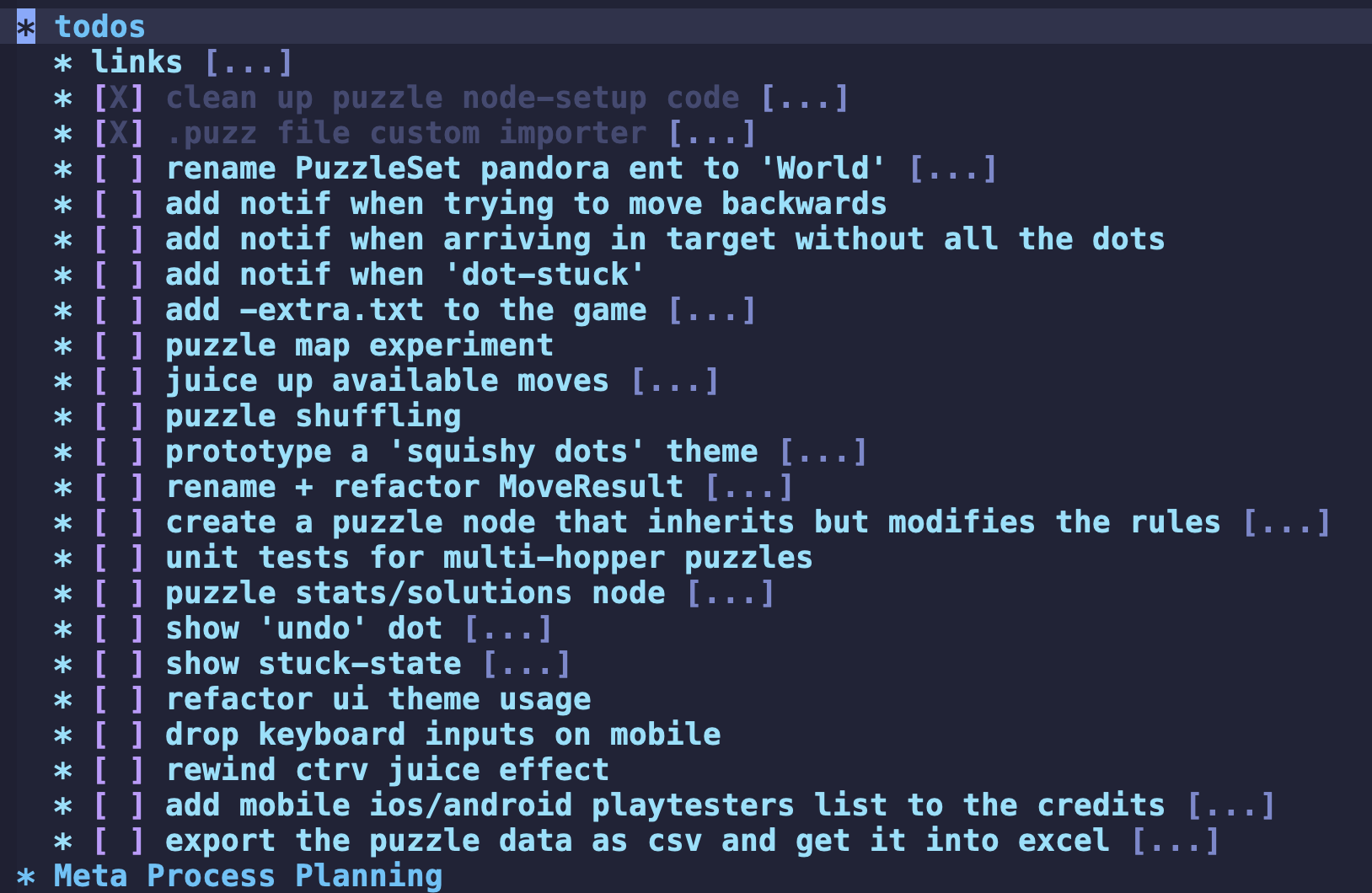
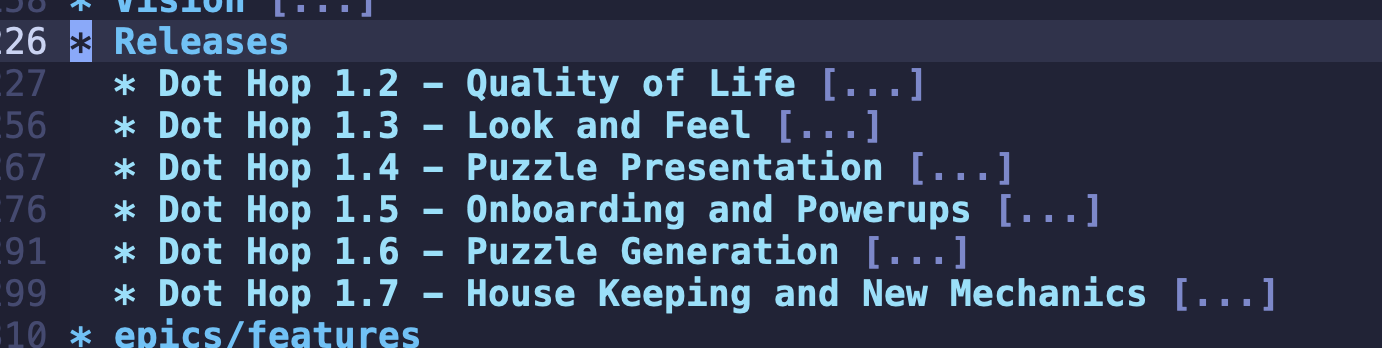
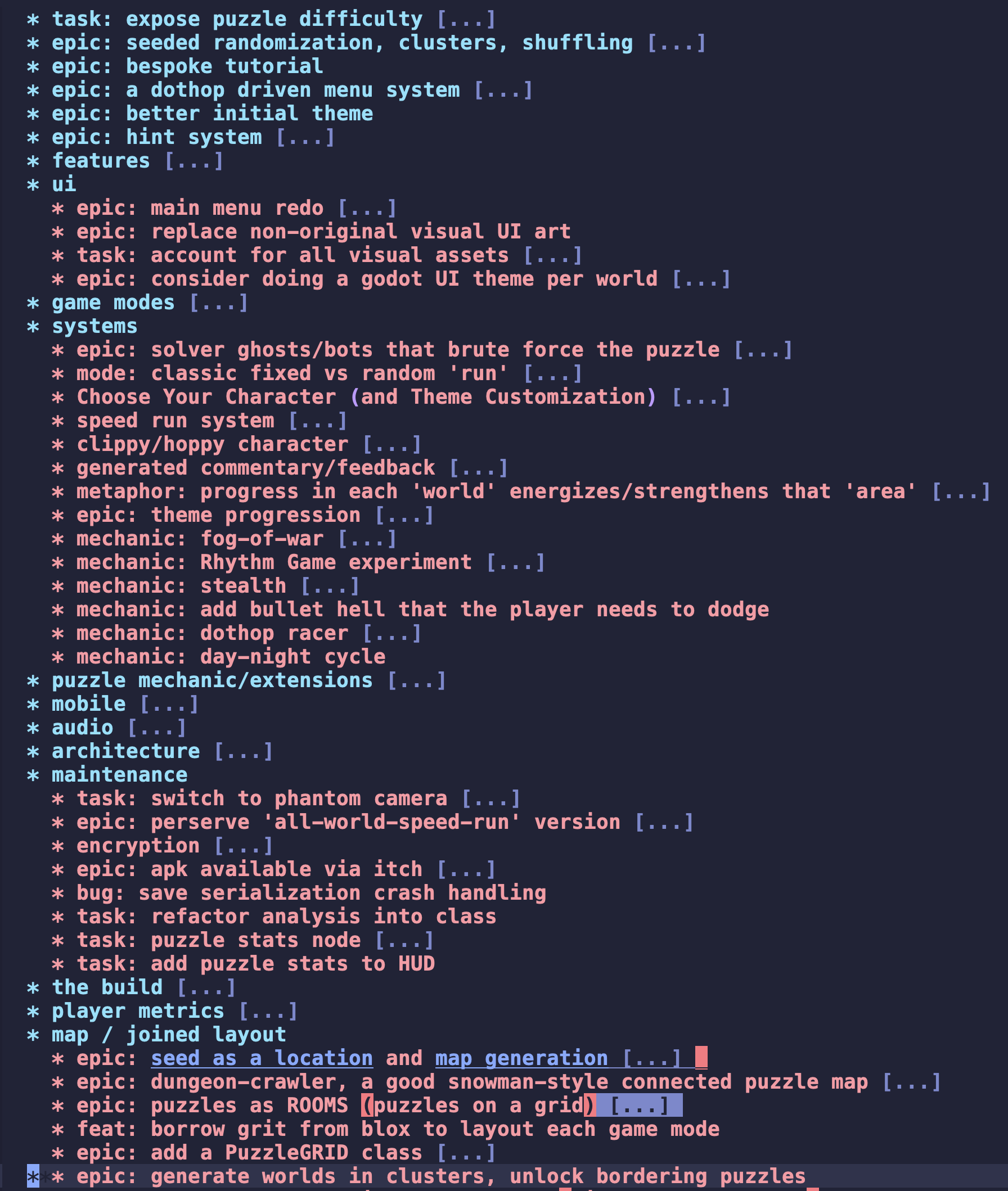
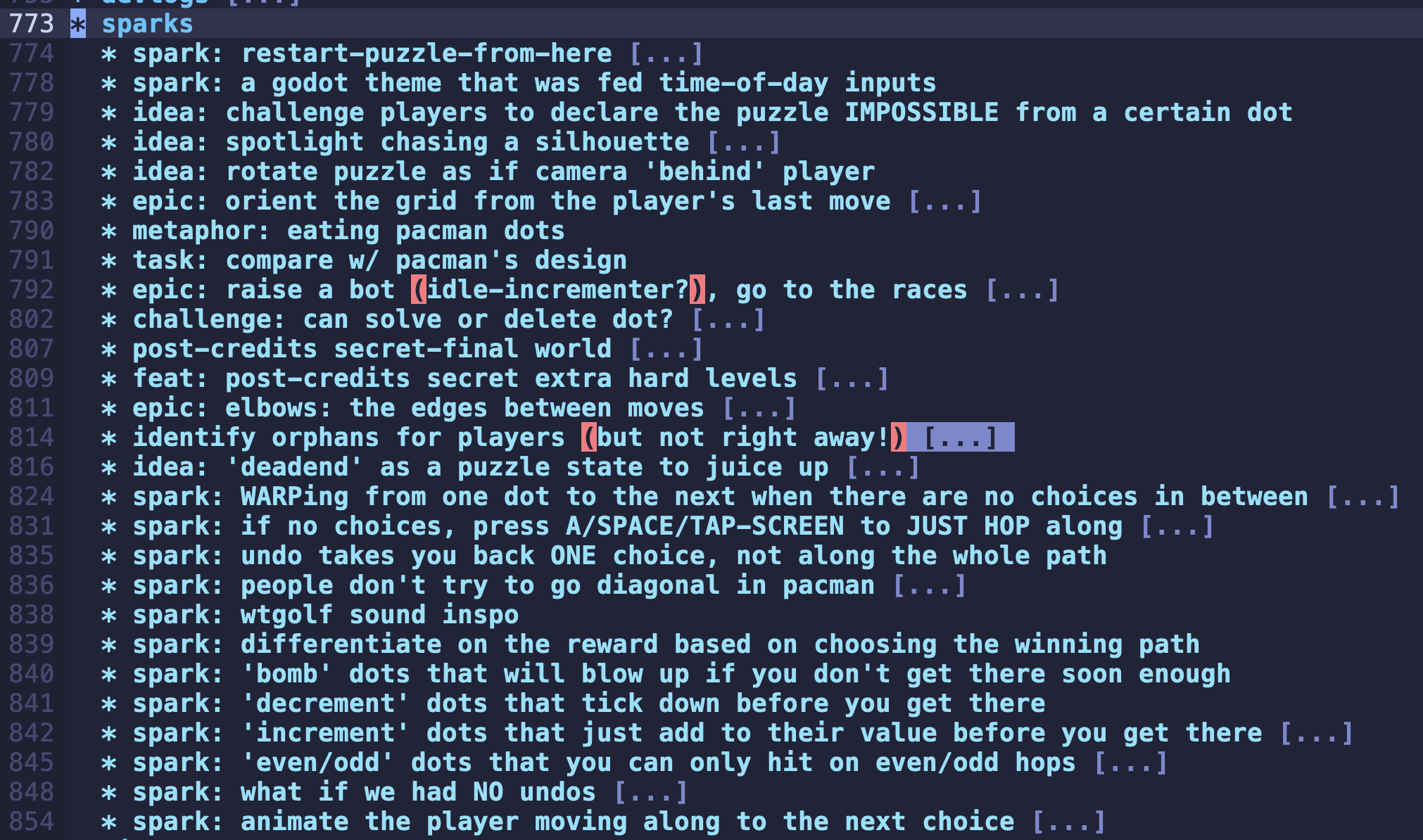
That’s an awful lot of ideas to manage…
As always, the first priority is to over-engineer the thing, optimizing for more experimentation and flexibility. We want it to be cheap to throw together a new game mode, especially in a way that players can test and share feedback. It’s all about that feedback loop! Engineers, designers, game devs in general should get feedback as quickly as possible!
Enter Dot Hop’s former architecture: A giant GameScene and an even larger
PuzzleScene. Highly coupled, handling everything: game logic, transition
animations, sounds and music, inputs… It’s overloaded in there!
This setup does not make it easy to swap in ideas without breaking everything.
I’m committed to maintaining Dot Hop’s current mode (called ClassicMode right
now). But I also want to do totally different rules, progressions, behaviors,
etc.
In the last two weeks, I’ve been prying all of this apart:
- Pulled Game Logic into
PuzzleStateandPuzzleAnalysisobjects - Decomposed the
GameSceneinto siblingGameSounds,GameMusic,ClassicMode,PuzzleTransitions, and other nodes
Next I’m going to dig into the PuzzleScene again, separating (at least) input
handling and hopefully the theme integrations.
Much of this cleanup is made simple via an Event Bus pattern - thank you to Eric/Baja The Frog’s Godot Con talk. I saw the talk in person and enjoyed rewatching it last night to really solidify the Call-Down, Signal-Up, Event-Out thinking.
You can find some of the commits for this refactor in Dot Hop’s Changelog.
Quick hits this week
Section titled “Quick hits this week”Google Play “Open Beta” does not mean free!
Section titled “Google Play “Open Beta” does not mean free!”I learned a lesson recently: getting a game into ‘Open Beta’ on the Google Play store does NOT let players play for free!
I had fully assumed sharing a beta with folks would not charge them - I’d taken parallel steps in the Apple App Store to share with folks via TestFlight.
Imagine my surprise to learn I’d already sold 4 copies of Dot Hop on Google Play! To who, I’m not sure, but yep, Google’s already sent me that money.
Meanwhile I’m sitting here preparing, refactoring, planning in “secret” for my
big mobile launch! Ah well. The game is on the Google Play store now if you want
(to pay) to take a crack at it! Or just ping me and I’ll get you a .pck or
.pba or .pbwhateveritis.
Coming soon to Flathub… for free?
Section titled “Coming soon to Flathub… for free?”I was encouraged to add Dot Hop to Flathub by Cassidy at Endless - seems like a great way to reach a new audience!
I was a bit concerned at first to learn Flathub isn’t actually an ‘app store’ yet, as they don’t support purchases/payments/paywalls at all. It’s more of a linux package manager with a focus on full-on applications (vs software libraries).
This sparked some deeper thinking about Dot Hop’s current place in the market. What is this thing? Should it just be free? Isn’t it already open-source?
I’m open to it being completely free, but will need to think and plan more. For now I’m going to focus on sharing openly and getting more player feedback - if folks want to play via flathub, that’s got to help the game get better. I’ll suggest a donation via Ko-fi, and likely keep the $3.99 price on Steam/iOS/Android.
Where to play? Where to buy?
Section titled “Where to play? Where to buy?”These free or paid questions have inspired a where-to-play/buy bit of Dot Hop’s docs (that I will write shortly).
Related, you can pay-what-you-want for Dot Hop on itch. At the moment that
version hasn’t been updated in over a year (same for the Steam version), but
along with this FlatHub push I’m going to get a new version (1.2) out
everywhere in the next week or so.
My first GitHub Sponsor!
Section titled “My first GitHub Sponsor!”I was extremely happy to get my first ever Github Sponsor this week, in the form of Gramps, who maintains (among other things) an excellent Godot<>Steam integration.
Gramps said this was Log.gd inspired, and that he’s using Log.gd in all his projects now.
Me too dude! Can’t live without it!
This sponsorship directly inspired a new version of Log this week (v0.0.8)
which features…
Rainbow Delimiters!
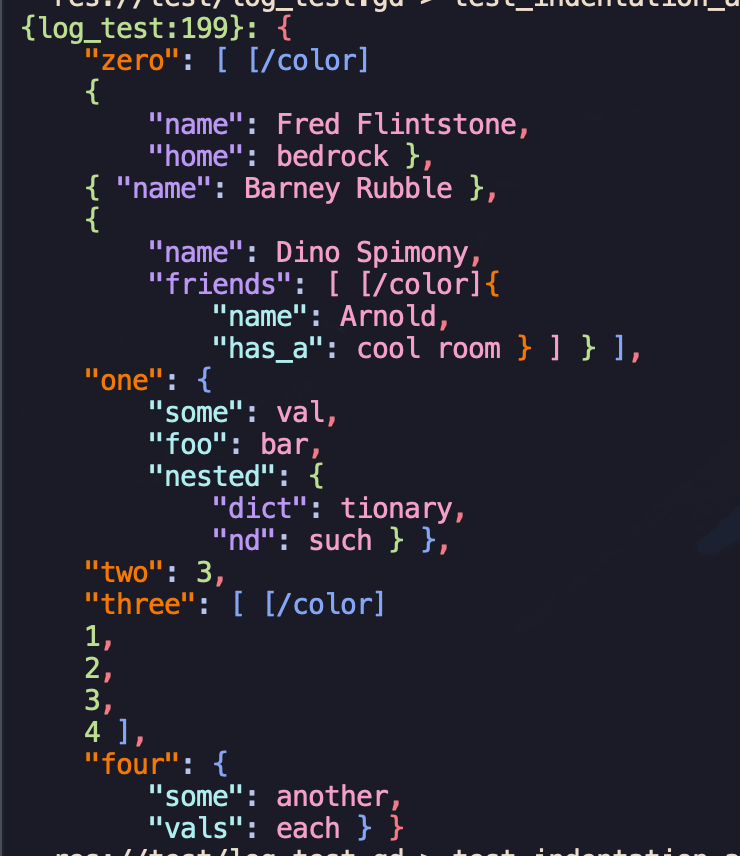
Section titled “Rainbow Delimiters!”Log.gd is all about readability - it wants to reduce the effort of reading your logs. Rainbow Delimiters is a tool for cycling colors when nesting parens and brackets - the colors make it more clear when this or that object starts and ends.
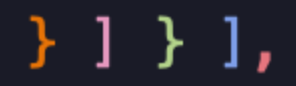

I was surprised it hadn’t occurred to me sooner to add this, and I was very happy with how easily it fit into Log’s code. Afterward, I also added the color-cycling for dictionary keys, which I think is a nice touch.
One step further could be to include some bgcolor per object - I’ll do some
testing with this before shipping it, but it might be just what the Godotctor
ordered.
More Dot Hop Things
Section titled “More Dot Hop Things”Running Puzzle Analysis in the Background
Section titled “Running Puzzle Analysis in the Background”I’ve worked with Threads in Godot before, but it always feels a little sharp - you’ve got to be responsible and clean up after yourself, and it can be easy to lose a thread and leave the game hanging.
The Puzzle Analysis code is not designed to be efficient - we could get into why, but I decided to focus on getting it into the background first. Even if the analysis is fast, I wanted to level up the architecture - no need to wait for anything if we can keep things running smoothly.
An Input Plugin for parsing puzzles from plaintext
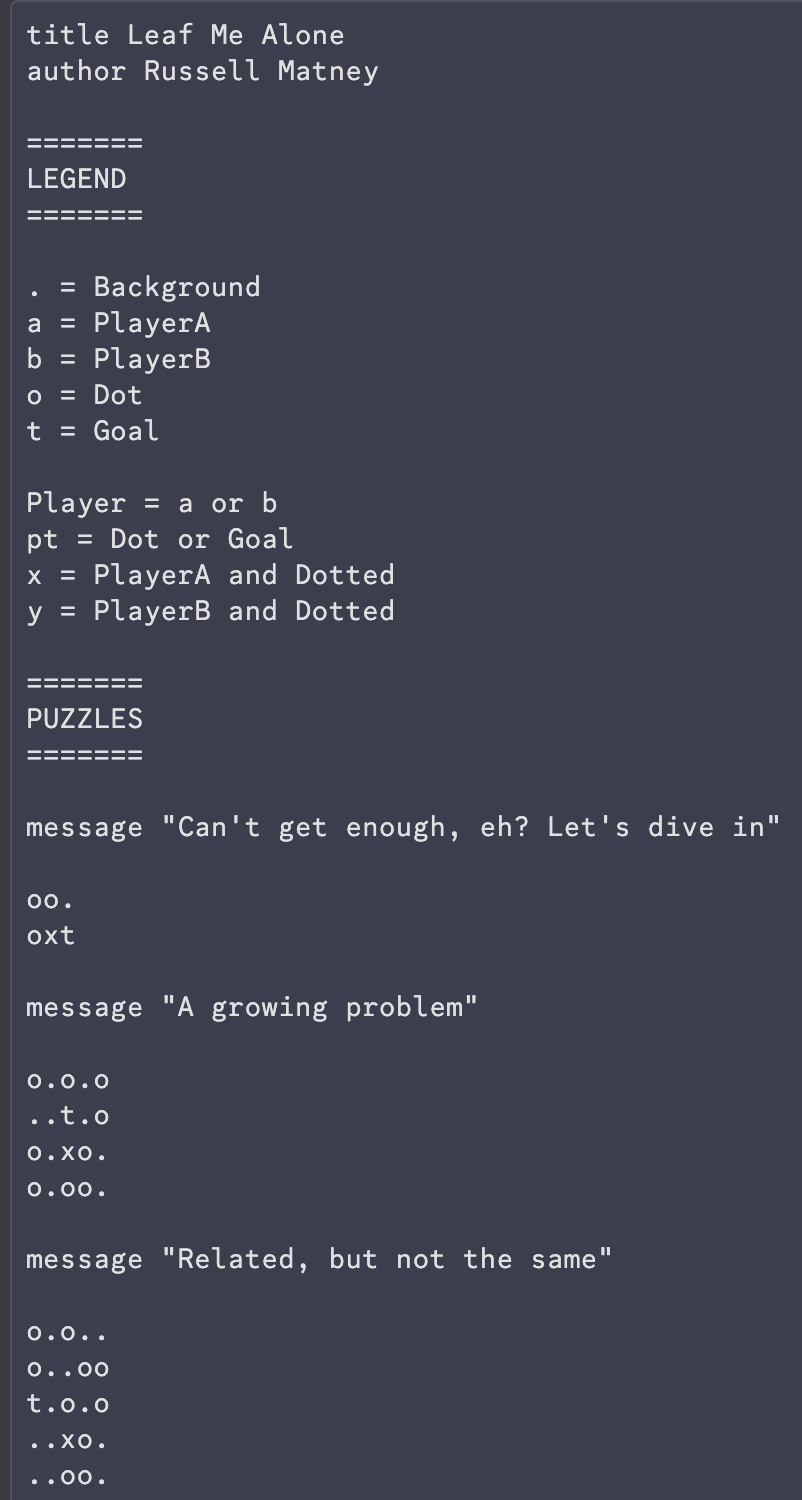
Section titled “An Input Plugin for parsing puzzles from plaintext”I created my first godot input plugin this week! I had been parsing puzzles from
.txt files at runtime, but now those .txts are .puzzs, and they can be
treated as full-on Godot Resources. This helped to completely cut out a few
in-betweener classes I’d been using (e.g. the GameDef is no more!).
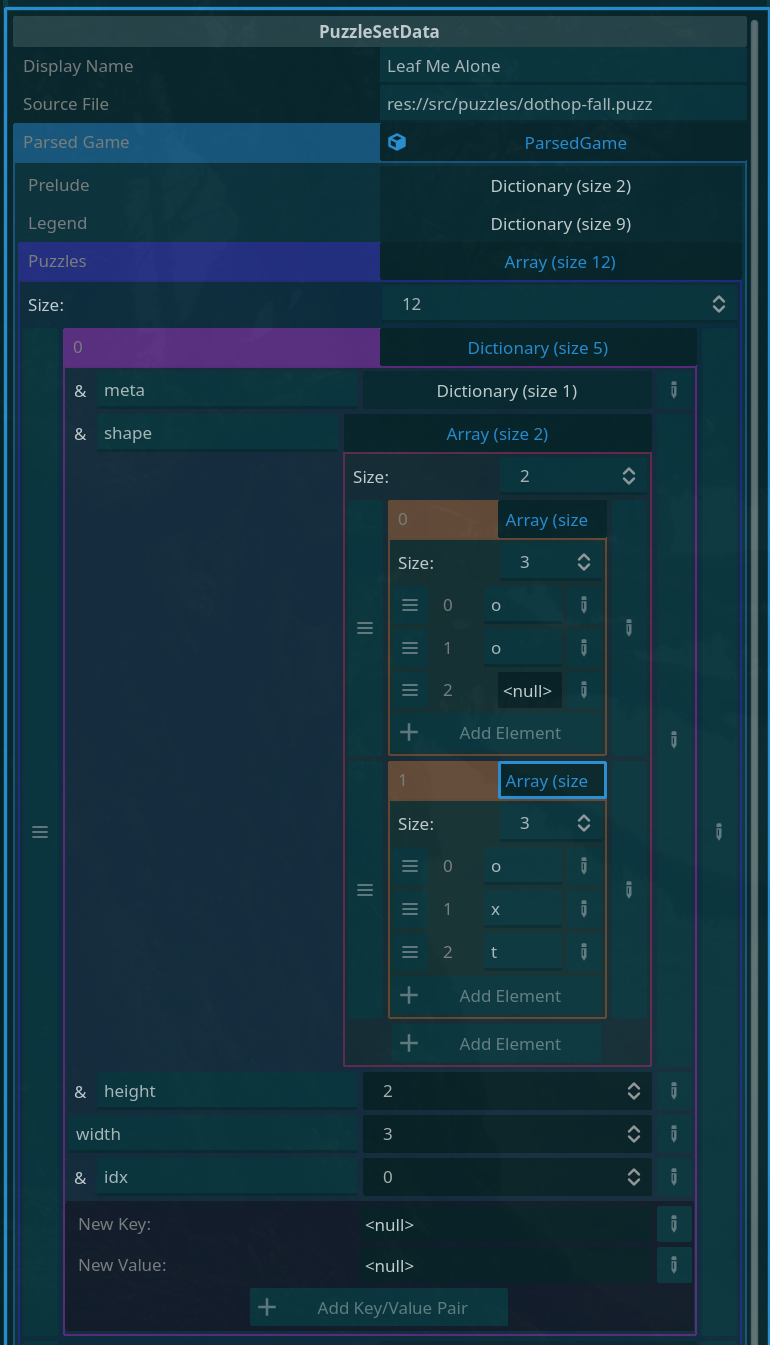
The raw .puzz files look like this:
A fun ‘bug’ slash chaotic puzzle visualization
Section titled “A fun ‘bug’ slash chaotic puzzle visualization”I’ve been hacking on a Puzzle ‘Browser’ of sorts - it’s been helpful to have
another consumer of the PuzzleScene to make it clear what the GameScene had
been responsible for.
Last night, much of the refactoring was coming together - Puzzle Analysis running in the background (if it’s not already cached), Puzzles rebuilding somewhat reasonably.
I say somewhat - you’ll see in the clip - here’s what happens when you forget to remove the puzzle_node before adding a new one!
I love this chaos - I’m wondering if I can use it as a background/banner or some other fun thing.
Once I get the PuzzleScene code minimized, it should be easy to throw puzzle
nodes around, maybe to juice up the main menu?
It’s a mess but it also made me very happy. I love bugs like these.
That’s a wrap!
Section titled “That’s a wrap!”Thanks for tuning in to my game dev adventure!
If you want to play Dot Hop on mobile, feel free to reach out - I love showing people my little playtester site.
Happy trails, game devs!